TinyFingers Early Years
TinyFingers for daycare and early childhood education. One licence covers every device: iPad, Android and Windows.
- iPad
- Android
- Windows
- Video
- What it is
- What is different
- Device lock
- Languages
- Screenshots
- Delivery and licence
- Try it
- Contact
Watch
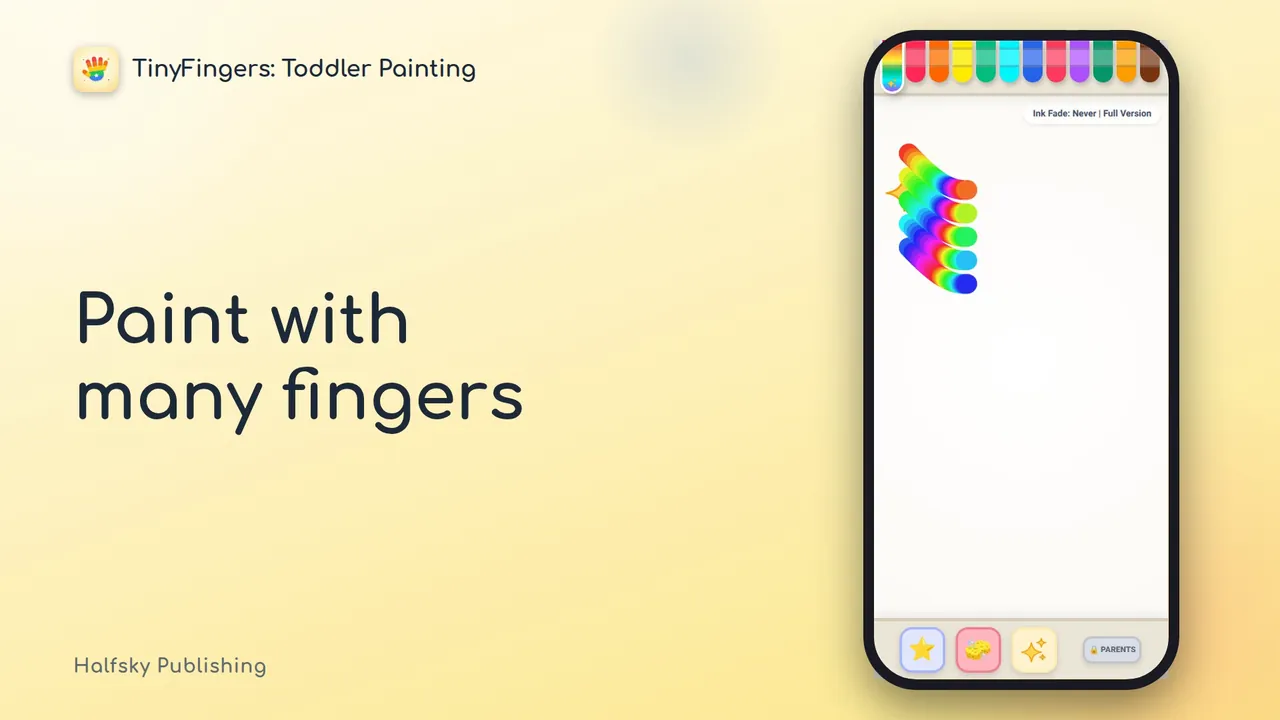
The video plays from YouTube when you tap it.
What it is
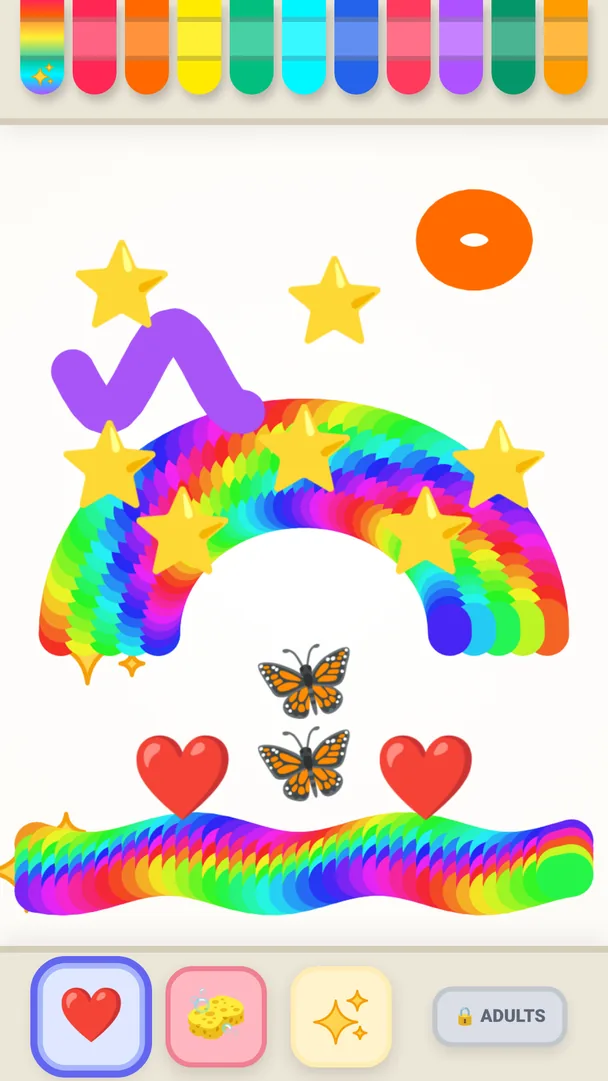
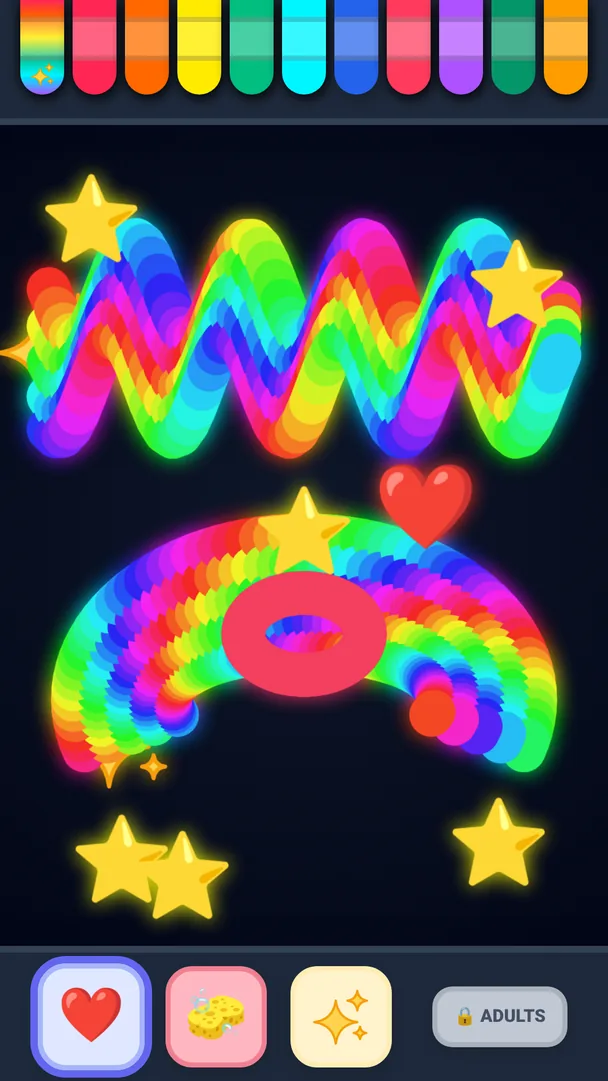
TinyFingers is a finger-painting app made for young children. A child paints with one finger, a palm or many fingers at once, and every touch makes color, light and sound.
TinyFingers Early Years is a version of the app made for daycare centres and early childhood education. A municipality or another organisation needs only one licence for all its devices.
- Ink that fades on its own: lines fade away in 1 to 5 minutes, so the page never gets muddy and an adult does not have to keep clearing it.
- Colors that play music: every touch plays a note from a pentatonic scale, so the notes always sound good together.
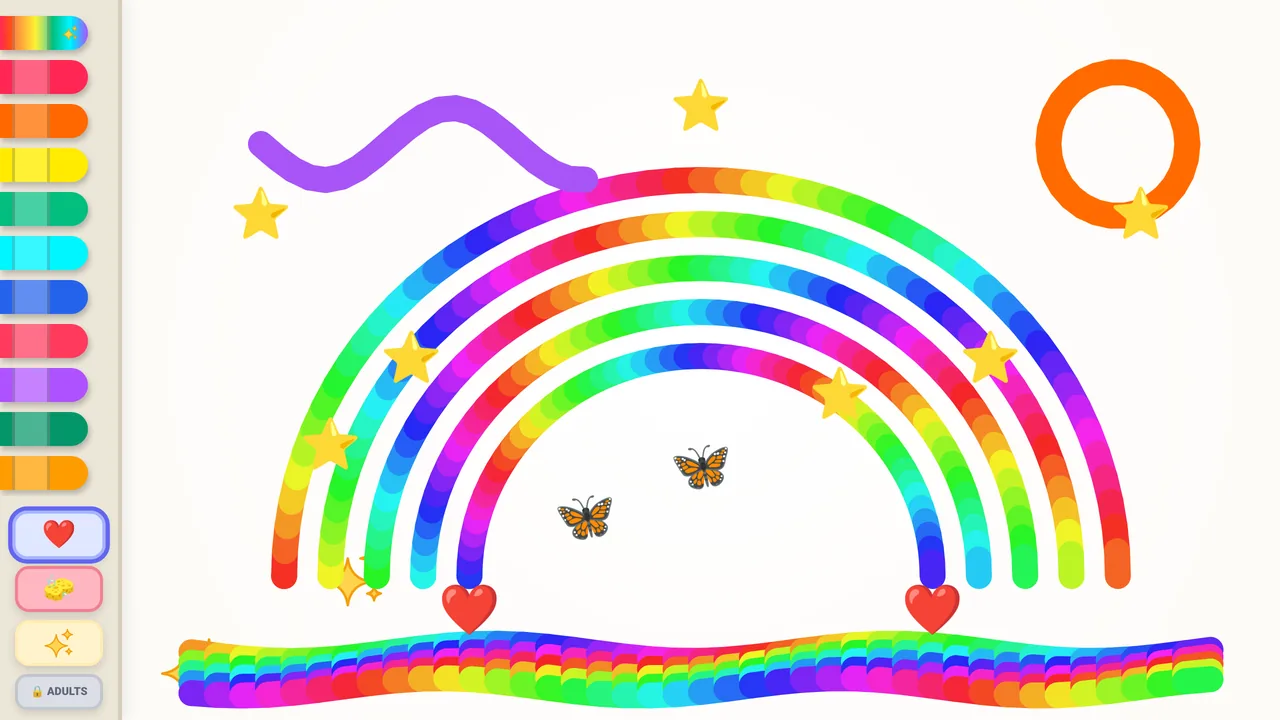
- Many ways to touch: five fingers draw a rainbow, a slap of the palm makes sparkles, and the stamps (stars, hearts, paw prints, butterflies, rockets) suit the youngest, who poke the screen rather than draw.
- No accidental wiping: a hand on the edge of the screen does not wipe the picture, because clearing it takes a one-second press and hold.
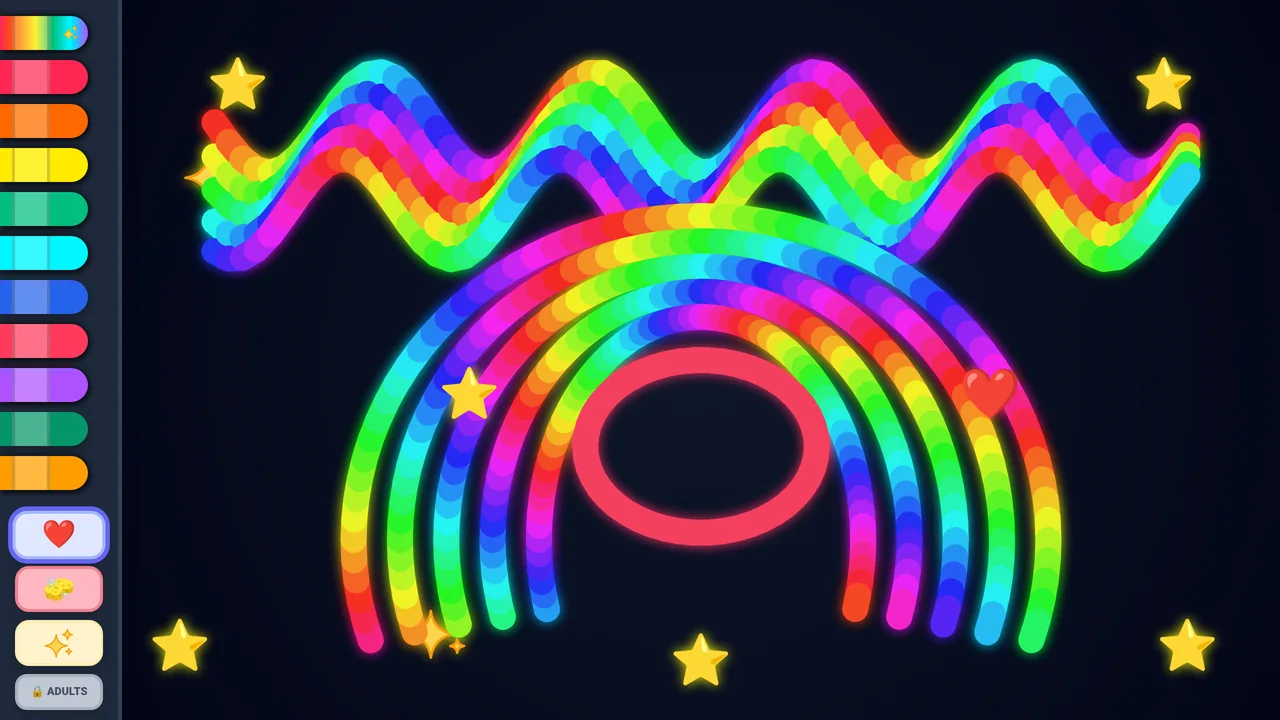
- Easy to use: a night mode, and the crayons on the left or the right for left- and right-handed children.
What is different from the store version
Early Years is a separate version made for early childhood education, kept completely apart from the consumer app:
- No time limit. The store version has a 10-minute free trial; Early Years has no time limit.
- No purchases and no purchase prompts. There is nothing to buy and no link to an app store anywhere in the app.
- No ads. None of any kind.
- No network traffic. It works fully offline.
- No data. No user accounts and no analytics; the app collects, stores and sends no personal data. A data processing agreement (DPA) is therefore not needed.
- It speaks to adults. The menu button, the lock and the menu say Adults, not Parents, in every language.
Device lock
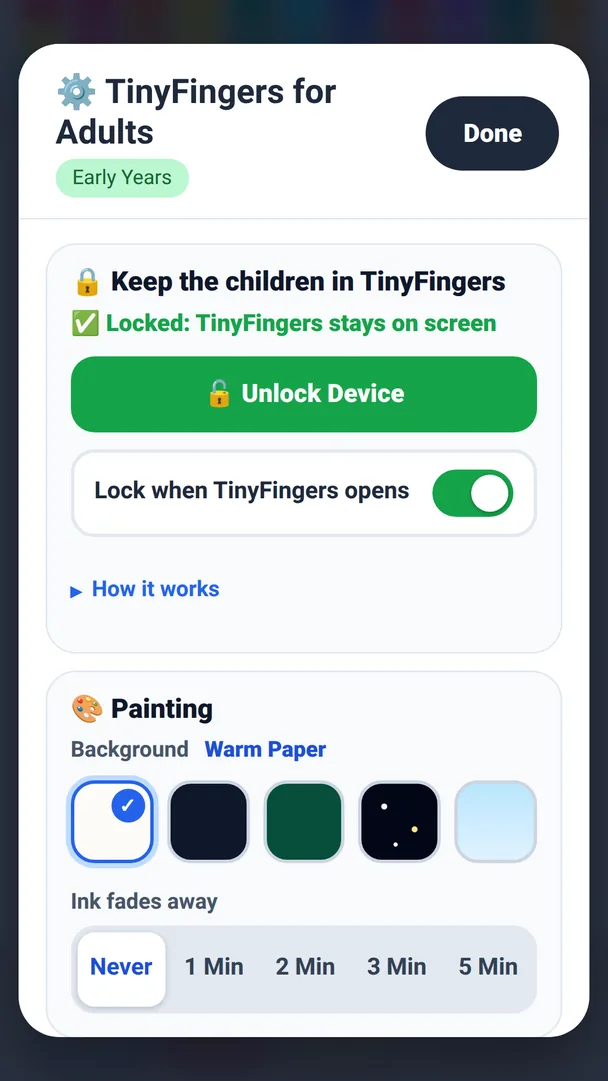
The device can be locked to the app, so a child stays inside TinyFingers:
- iPad Guided Access (Settings › Accessibility › Guided Access), or the single app mode of your device management (MDM).
- Android Screen pinning: TinyFingers pins itself to the screen, so Home, Back and other apps stay out of reach until an adult unpins it.
- Windows TinyFingers fills the screen and blocks the Windows key, Alt+Tab and Alt+F4 until an adult unlocks it, so a touchscreen laptop is safe for children too. A PC can also be locked to the app completely with Windows kiosk mode (Assigned Access).
The settings and the button that closes the app are behind a lock for adults, so children can't change the settings or close the app. To open the lock, tap the four corner numbers from the lowest to the highest, twice.
Text and languages
All text is in the adults' menu, behind the lock: the child's view has only the button that opens it. The menu is in 19 languages and follows the device's language.
English, Finnish, Swedish, German, French, Spanish, Portuguese, Italian, Polish, Turkish, Russian, Arabic, Hindi, Thai, Vietnamese, Indonesian, Chinese, Japanese and Korean.
Screenshots
Platforms and delivery
The licence is platform-agnostic: one licence covers all of the organisation's early childhood education devices, whatever their operating system.
- iPad A private app (Custom App) for your organisation's Apple School Manager account.
- Android A private app through Managed Google Play.
- Windows An MSIX package for your device management, for example Microsoft Intune.
To deliver it, we need your organisation's ID in Apple School Manager and, if you use it, in Managed Google Play.
Licence
- One licence per organisation, for all its devices: iPad, Android and Windows.
- A yearly licence, with updates and email support included.
- Halfsky Publishing keeps the app compatible with new versions of the operating systems throughout the licence period.
Try it now
The demo runs in your browser, on an iPad, a tablet or a computer, in your device's language. Paint with several fingers at once; the sound starts with the first touch. To open the adults' menu, tap Adults, then the four corner numbers from the lowest to the highest, twice.
In a browser the lock can only go full screen; the installed app locks the device. The demo loads everything from this site and sends nothing.
Privacy
The app collects, stores and sends no personal data.
Contact
Questions, or an offer for your organisation? Write to early-years@halfskypublishing.com.